
EspoCRM had no office editor. Now it has ours.
Neither of the usual office servers ships an EspoCRM connector — we looked. So we wrote one: an extension that makes EspoCRM itself a WOPI host and hands the file to SumDoc, SumSheet or SumSlide. The contract, the budget or the deck attached to a Document opens in the browser, is edited and comes back into the same record — workbooks with their macros. Measured on EspoCRM 10.0.10 and 9.2.4.
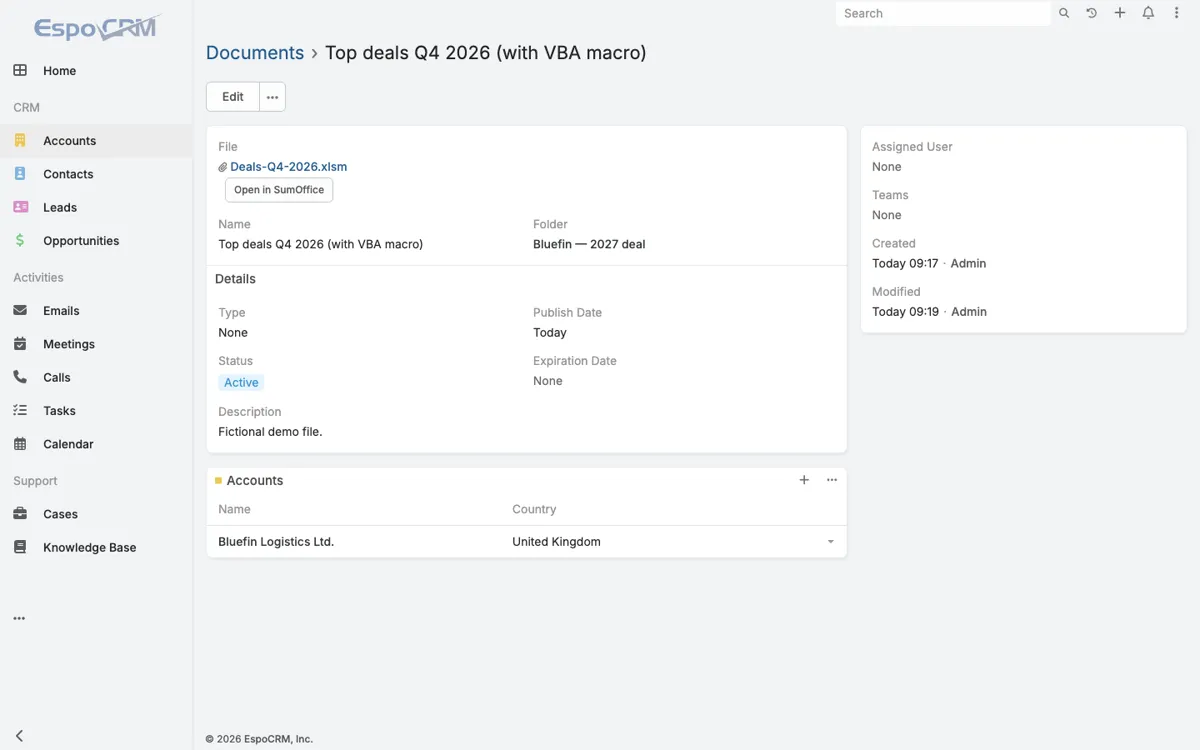
What the extension does
| Where you click | Open in SumOffice next to the file of a Document — .docx, .xlsx, .xlsm, .xlsb, .pptx. |
|---|---|
| Where it saves | Ctrl+S writes the file of the same Document. No download, no re-upload; the record shows Modified / Modified by. |
| Who may do what | Every call runs with the rights of the person who opened the file: reading needs access to the file, saving needs edit access to the Document. Signed access tokens, WOPI proof verification on every call. |
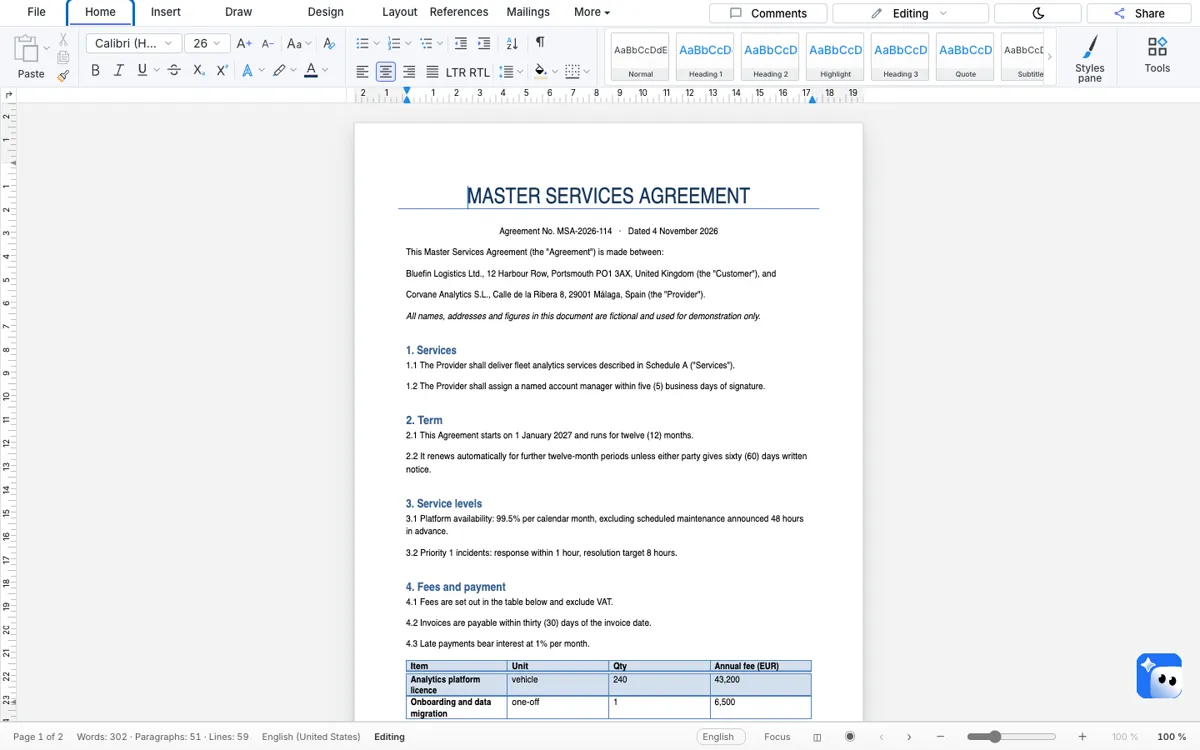
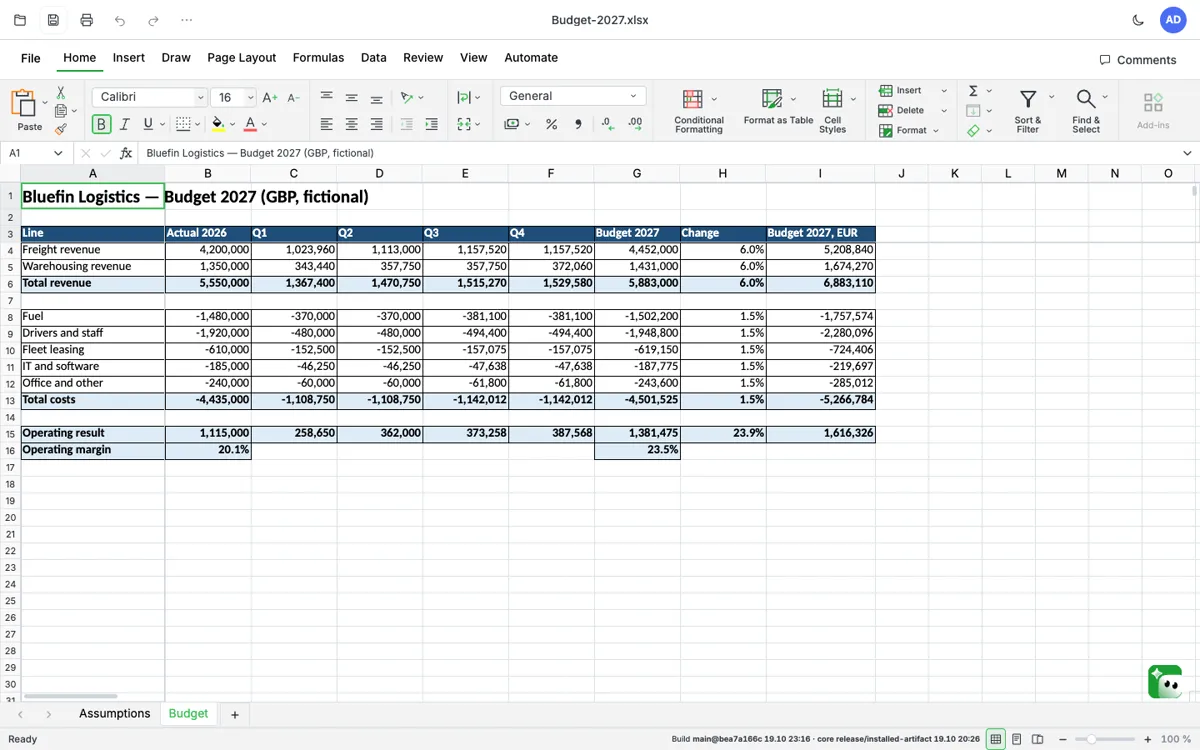
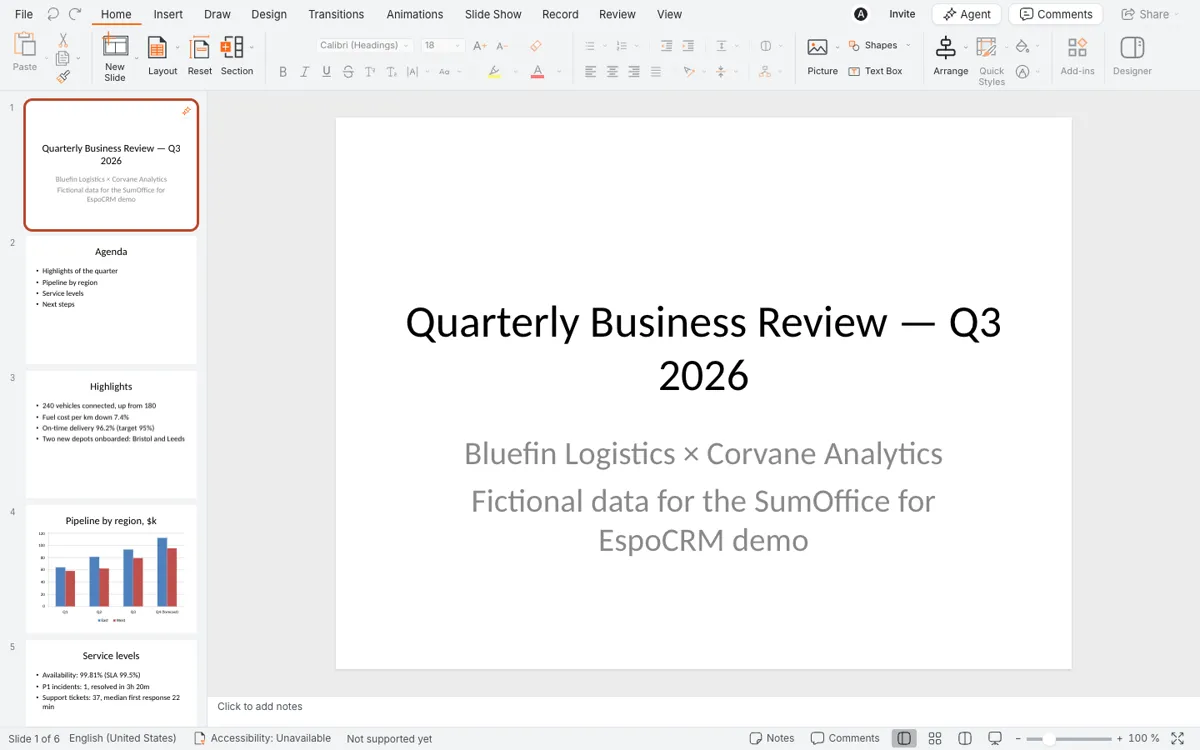
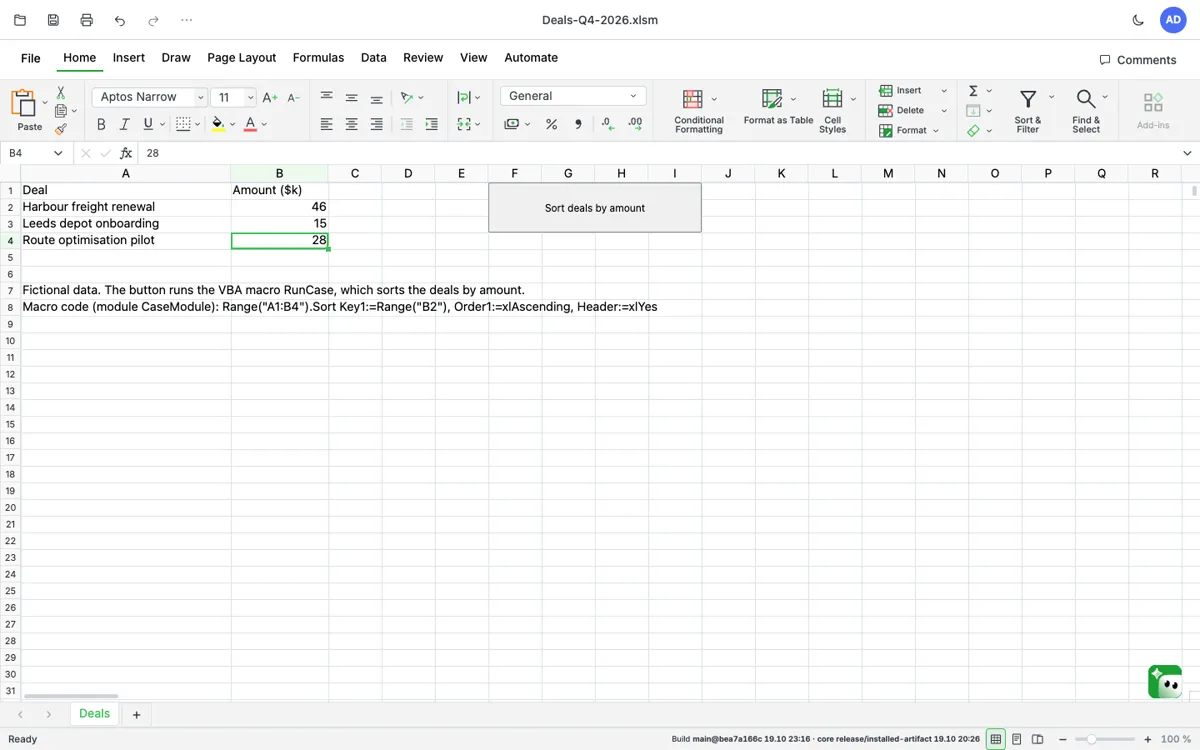
| Measured | EspoCRM 10.0.10, 22 October 2026: a contract, a budget with formulas, a presentation and a macro workbook — opened, edited, saved back into the same Document. vbaProject.bin byte for byte, the form button kept. EspoCRM 9.2.4, 25 September: a macro workbook and a document with five pictures, both byte for byte where untouched. |
| Price | Per EspoCRM instance, per year: €490 up to 25 users, €990 up to 100 users, from €1,900 above 100 users. A 30-day pilot is free. |
| What this does not say | That every macro runs in the browser. The VBA project always comes back byte for byte and runs in Excel as before; running macros in the browser editor is a separate feature with its own list of what works. |
Setting it up
1. The editors, on your server, behind your TLS address — preferably on the same site as EspoCRM (office.example.com next to crm.example.com), so the editor’s sign-in cookie is not third-party:
git clone https://github.com/SumOfficeApp/sumoffice-docker && cd sumoffice-docker/nextcloud
cp env.example .env
#   PUBLIC_URL=https://office.example.com     the address of the editors
#   NEXTCLOUD_URL=https://crm.example.com     your EspoCRM (the stack is shared with Nextcloud)
#   NEXTCLOUD_HOST=crm.example.com            the same host, no scheme, no port
sh sdelat-proof-klyuch.sh                     # one signing key for all three editors, once
docker compose up -d                          # TLS proxy: https://office.example.com → 127.0.0.1:8093
2. The extension. Download sumoffice-espocrm-1.0.4.zip (all versions). In EspoCRM: Administration → Extensions, upload the ZIP, Install. A newer version installs over the old one.
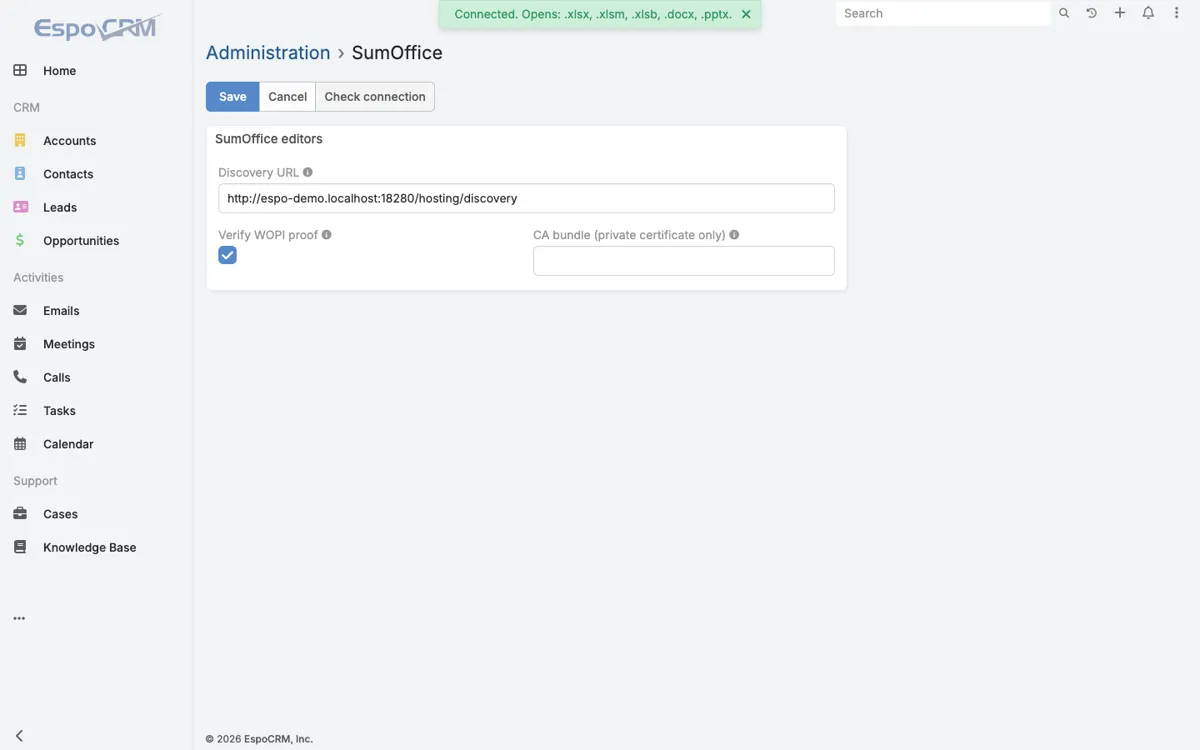
3. The address. Administration → Integrations → SumOffice: Discovery URL https://office.example.com/hosting/discovery, Save, then Check connection — it lists the file types your stack opens.
4. Use it. Open a Document with a Word, Excel or PowerPoint file, press Open in SumOffice, edit, Ctrl+S.
Requirements: EspoCRM 9.0 or later, PHP 8.1+. Source and changelog: sumoffice-docker, branch integrations, folder integrations/espocrm. A 30-day pilot is free; production is an annual license per EspoCRM instance (€490 / €990 / from €1,900 a year by users, see licensing). The other systems we measured →
- Check my Excel file — what your workbooks rely on, in seconds.
- Tell us your EspoCRM version — 9.2 and 10.0 are measured.